Most of your rental listings get looked at when nobody in your office is available to answer a single question about them.
Voceva adds a short, natural sounding voice bite to your rental listings, an AI generated audio narration that summarises the property, covers the details tenants actually ask about, and plays on demand at any hour. No recording, no scripts, nothing for your team to do beyond the listing content you already have.
Why lettings specifically benefit from voice
| Out-of-hours coverage | Faster shortlisting | Fewer wasted viewings |
|---|---|---|
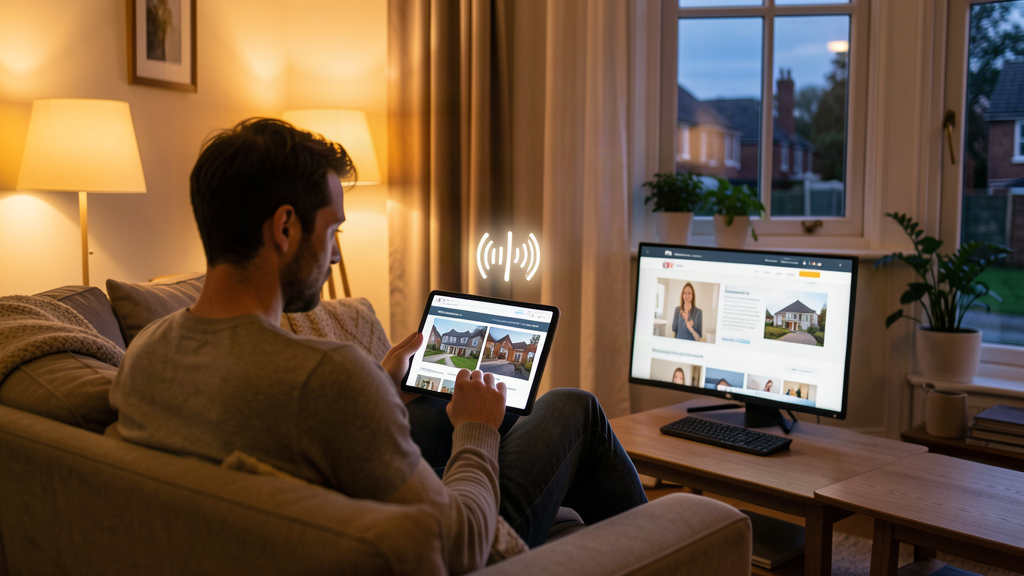
| Over 40% of portal browsing happens after 6pm, and a meaningful share after 9pm. Your office is shut, the listing is on its own, and the voice bite covers the questions a negotiator would normally answer. | Tenants scan fast and shortlist faster. A 30-45 second narration covering move-in date, furnishing, parking and the walk to the station gives them what they need without a phone call. | Better-informed tenants book viewings that are more likely to convert, which matters more on a rental book that turns over every few months than it does on a one-off sale. |
What Voceva does for a letting agency
Voceva reads the listing data already on your property page, price, location, features, description, and generates a voice bite that plays directly on that page using a simple audio player. It adds helpful local context too, so a tenant hears about the commute, the nearby amenities, or the school catchment without your team writing any of it.
Void periods are one of the more expensive line items on a rental book. Anything that shortens the gap between a tenant viewing a listing and booking a viewing earns its keep quickly, and a lettings portfolio turns over often enough that the effect compounds across the year.
How it works
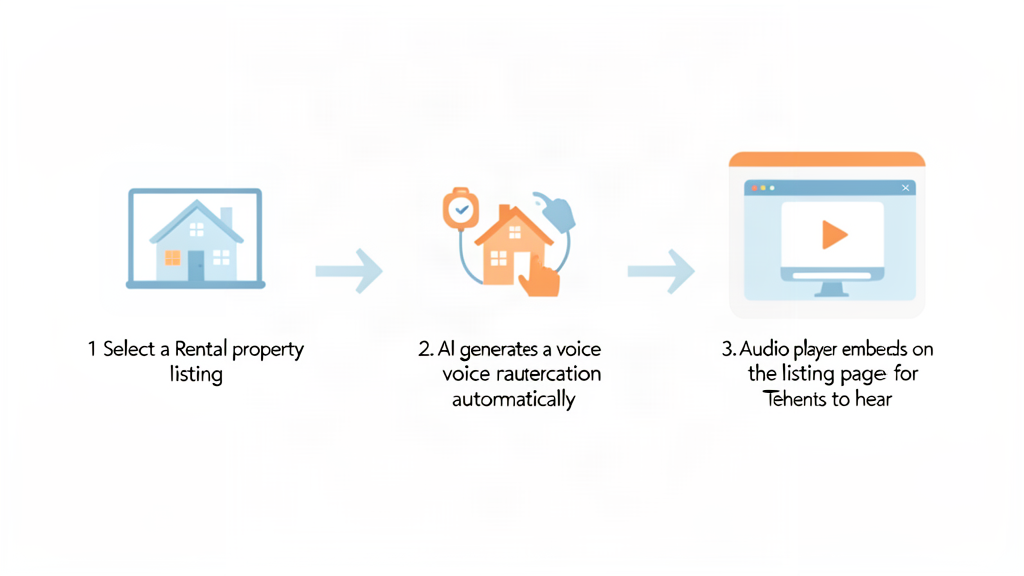
- Install the Voceva plugin on your site
- Select a rental listing
- Voceva reads the property details already on that page
- Voceva enriches the narration with relevant local context
- Your first voice bite is generated, typically within 10 minutes
- The voice bite appears on the listing page, ready to play
Where voice bites fit alongside your existing marketing
- Rental listing pages, the primary placement
- Works alongside portal listings, giving your own site a reason to be visited directly
- Designed to sit alongside your written description, not replace it
- No microphones, no recording, no editing, and no new workflow for your team
Frequently asked questions
Does this work for HMOs and student lets?
Yes. Voice bites work per property page, so HMOs, student lets, and shared houses all get their own narration, generated from whatever listing details are on that page.
Do we need to record anything?
No. Voceva generates the narration automatically from your existing listing content. Nobody on your team needs to record or script anything.
How long does setup take?
Most sites can generate their first rental voice bite within about 10 minutes: install the plugin, select a property, wait for the audio to generate.
Does it replace our written description?
No. It complements it. The written description stays the source content, the voice bite just makes it easier for a tenant to consume quickly, especially outside office hours.
Ready to add voice bites to your rental listings
If tenants are browsing your listings after your office has closed, and most of them are, a voice bite is a straightforward way to give a rental listing a voice when nobody is there to answer the phone.